
FROM BRIEF TO BROWSER
Make something
you can explain.
A practical workbench for your first portfolio, a useful business page or a smaller, better-scoped app. Build with AI. Keep the decisions yours.
Open the project workbenchWHAT ARE YOU WORKING ON?
A practical entrance to the work.
THE LATEST GUIDES
Read. Try. Inspect the result.
New guides appear here as they are published.

03Quality Checks
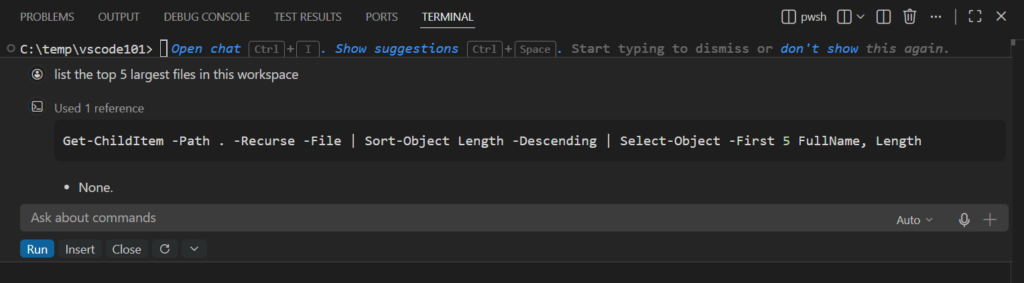
Make a Contact Form That Does More Than Show Success
A green success message is not delivery. A contact form needs a receiving service, validation and a clear response when something goes wrong.
Read the guide

06Safe Builds
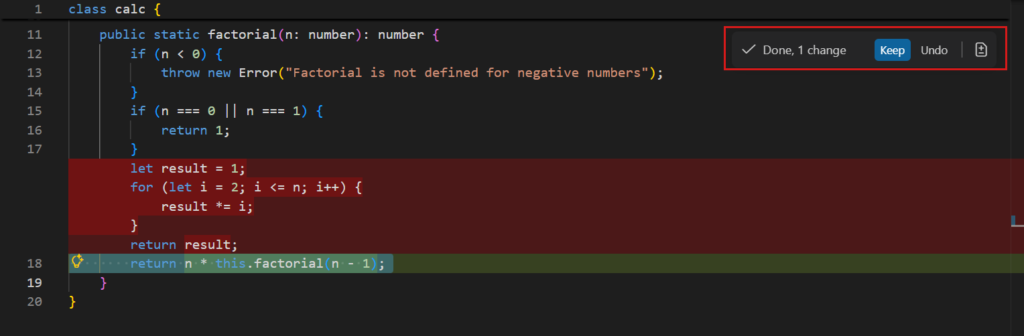
Keep a Rollback Point Before Accepting AI Code Changes
A rollback point makes experimentation less expensive. Save a known working state before accepting a change that touches several files or configuration settings.
Read the guide


LOOKING FOR SOMETHING?
Find a practical next step.
A working demo is a beginning.
Official sources, original examples and clear limitations. Our guides help you make a decision and check the result.
How we prepare a guide →