Keep a Rollback Point Before Accepting AI Code Changes
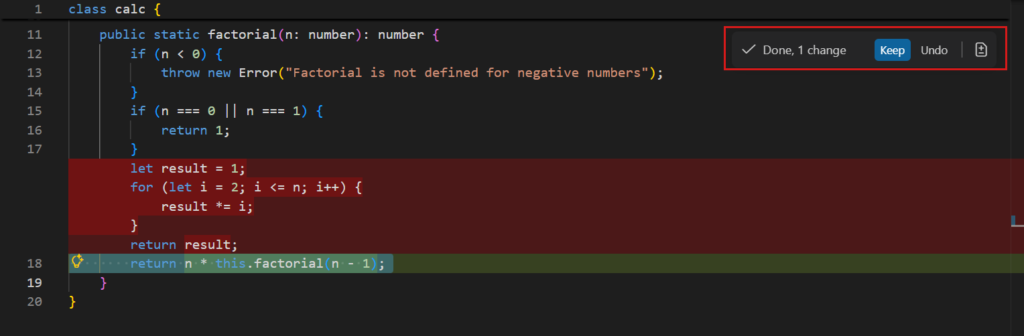
A rollback point makes experimentation less expensive. Save a known working state before accepting a change that touches several files or configuration settings.
A practical sequence
- Record the current working behaviour and save the project in version control. Include configuration examples and dependency metadata, but exclude secrets.
- Ask the assistant to explain the scope before editing. Separate a feature change from formatting or unrelated cleanup so that review remains manageable.
- Inspect the changed files and test the main path. Keep a short note about what was verified and what still needs checking.
- If the change breaks the project, return to the known state and reproduce the problem with a smaller change. Do not delete your only working copy.
An example to adapt
Change note: intent / affected files / verification / known limitation / rollback revision.
Try the example in a copy or a small project before applying it to live work. Keep the working version available and record the exact change you made. For a college project or a freelance handoff, being able to explain the decision and demonstrate the result is more valuable than adding features you cannot maintain.
What to check before you finish
A backup that has never been restored may not contain everything needed. Keep project files and deployment configuration understandable enough to recover.
Verify the intended behaviour as well as one failure case. Record what worked, what remains uncertain and how to reverse the change. An AI-generated explanation can help you investigate, but the running project and its actual output are the evidence.